

Since version 2.9 WordPress has supported Post Thumbnails, which are used to assign an image to a post so they can be used in different parts of the theme and are frequently used in magazine style layouts. Prior to post thumbnails, custom fields were frequently used to do this.
I used to use the Thumbnails for Excerpts plugin to improve the layout of my search results page and my archives. For some time I’ve wanted to use Post Thumnails instead but the thought of adding them to all of my older posts seemed like a daunting task.
Recently, however, I added Post Thumbnails to my theme and deactivated the Thumbnails for Excerpts plugin even though many of my older posts would not have a post thumbnail image. I’ve added an image to some of the older posts and I’ve been adding them to all new posts.
This morning when I was walking home from dropping my daughter off at school I was thinking about Post Thumbnails (do I know how to have fun or what) because I’ve been asked a couple of questions about them. I then thought maybe there is a way to set a default image so if you haven’t added one to a particular post the default image will be used. And, of course, I located a plugin as well as instructions for adding a default post thumbnail to your theme manually.
The plugin
I did a quick test of the plugin, called Default Post Thumbnails (now, there’s a surprise), and it worked great.
- Install and activate the plugin.
- Go to Settings > Default Post Thumbnail.
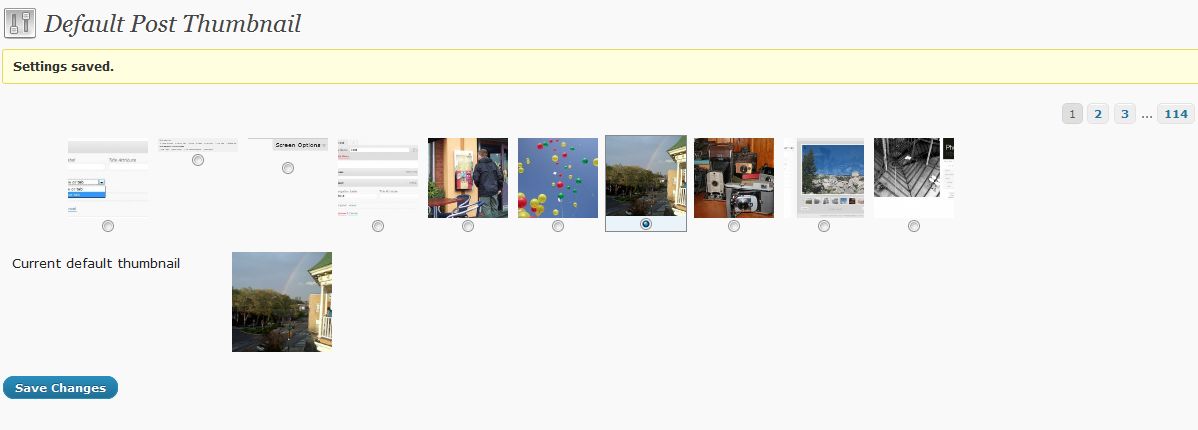
- The screen will show all of the images in your media library and you can select the one that you want to use as the default. If the image you want to use isn’t already in the media library, you will want to add it and then come back to this screen.
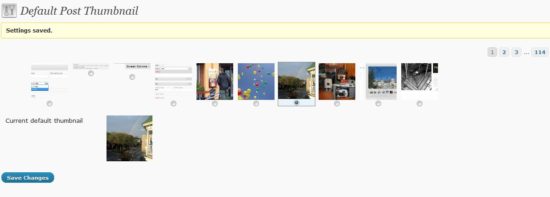
- I decided to select a recent picture I took of a rainbow but your site’s logo might be another good choice.
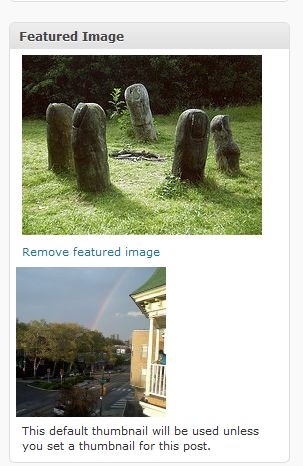
- In the Featured Image area of your Edit Post screen the featured image you have selected for the post will be displayed as well as the default one. The default image has a message saying it’s the default image that will be used if one isn’t selected.
Now when I go to my archives or search results page, posts without an image selected for the Post Thumbnail use the image with the rainbow that I selected. Here is an example of a search on the word facebook – if you scroll down, you will see that the oldest posts all use this image.
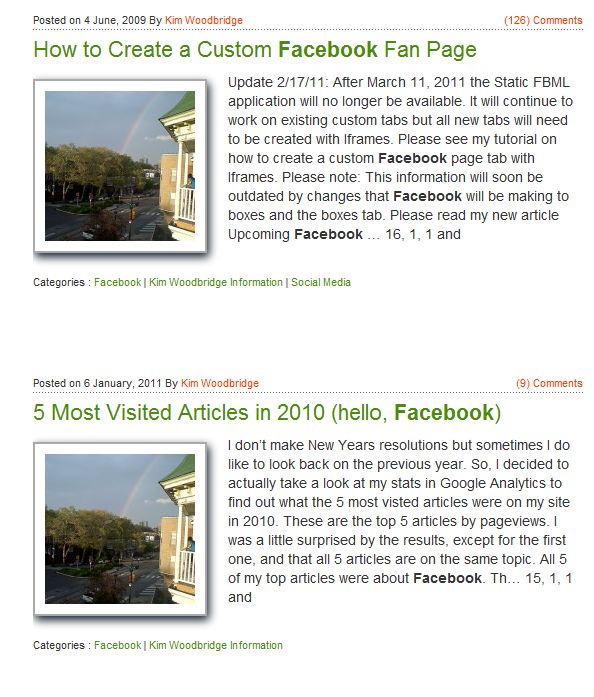
So, for now, my problem is solved. At least until I get motivated to add a Post Thumbnail to my older posts.
Do you use post thumbails? Has the issue for older posts kept you from using them? Do you think a default image is a useful solution?
photo credit: mikecogh

Nice… I really need to get some thumbnails incorporated with my posts!
Hi Kristi – Yep – I was glad to find this because I’ve been lazy about adding them to the old posts.
Oh……you are a GE-Ni-US!!!
Thanks Karen :-)
Kim,
Thank you for sharing and this is a super plugin. I don’t know WordPress very well, but it seems like is so much to do with them. Blogger is a lot more limited. I next to never ad pictures to my post so this would be great for me. Thank you for sharing :)
Hi Lynda – Great! Hope it helps.