
I accidentally came across a plugin that was perfect for a project that I was going to be working on. I liked it so much that I decided to try it out on this site.
The plugin is called Related Posts Thumbnails. It uses the featured image and will relate posts based on categories, tags, both or randomly. Typically, a plugin will related based on categories or by tags so it was great to find one that provided the option to use one or the other. Personally, I prefer to use categories because I currently have too many tags and I get better matching results when I use categories.
The Plugin
- In order for the plugin to work properly you must be using Featured Images or Post Thumbnails, which became a feature in WordPress 2.9. When you upload a new image, you would click on the link ‘Use as Featured Image’ rather than ‘Insert Into Post’.
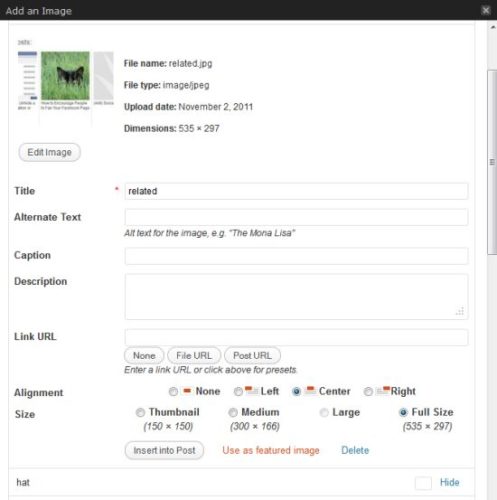
- Install the plugin and activate. It should work immediately and add 3 related posts to the bottom of your article on the single post page. It looks like the following screenshot and you can also view it at the bottom of this page.

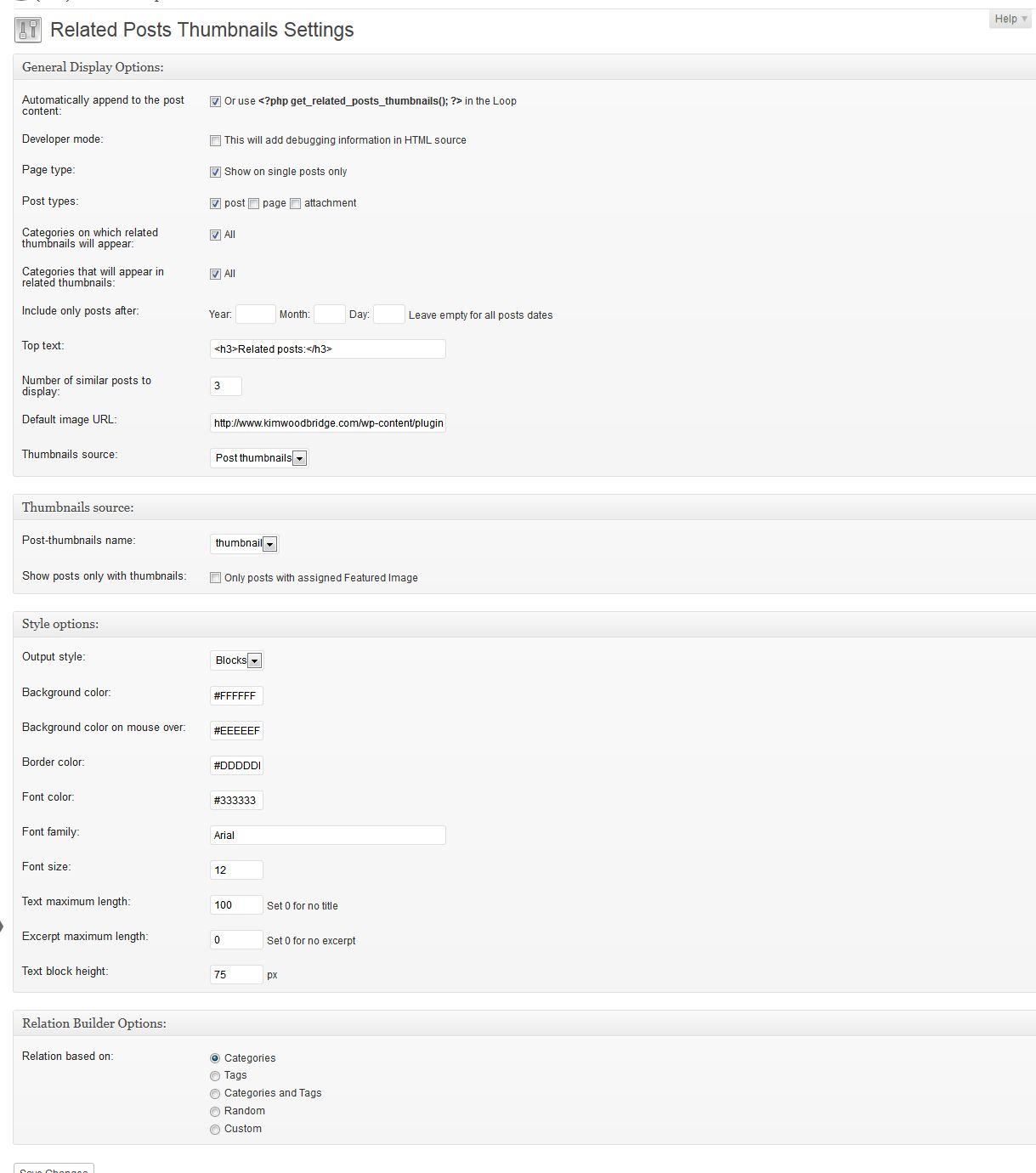
As you can see in the screenshot, one of the related posts has a default gray image. That post must not have a featured image associated with it, which makes sense because I haven’t added one for all of my older posts. In the settings for the plugin, however, you can select the option to only use posts that have thumbnails. - Under Settings > Related Posts Thumbs are all of the settings for the plugin and it has a lot of useful options.
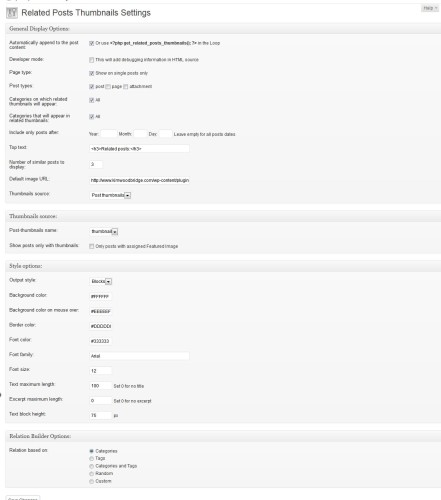
As I mentioned earlier in the article, I like how you can select how the posts are related rather it being categories or tags like so many other plugins. There are also settings for the display of the related post thumbnail; the layout, colors, and more.
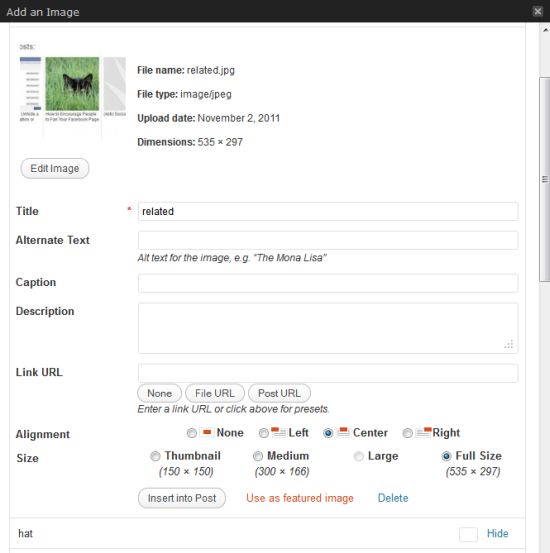
Hopefully this visual representation of related posts will encourage people to visit more of the content on your site and read more of your posts. What do you think? Would you like to use something like this?

Hi Kim,
I think it’s the fun with a new article to find the perfect photo for the article, now I have 1000’s pictures that I taken myself on my properties over the years that I can use and a lot of good memories come back when I’m looking.
It can be fun but sometimes finding the right photo takes me longer than it does to write the post ;-)
Thank you for sharing your great find! This will help me as well! Keep up the good work!
I think it is a neat little idea as long as you use a lot of images and your design looks OK with it. I don’t use a lot of images (hardly any actually) so I’ll be sticking with my trusty old text link version.
It looks good on your site by the way. :)
Hi Dean – You’re right – if you don’t use images than this isn’t a good solution. And thanks for the compliment!
Thanks Kim, I was looking for something like it
I’ve just installed it on my blog,I will try it to find out if it’s better than other free competitors
Hi Albert – So far, I really like it and it was easy to set up.
I’m using it on my blog and I’m very satisfied..Thank you Kim!
Great! So far I am really happy with it.
Hi Kim,
Excellent find and nice review.
Nik
The Related Posts Thumbnails plugin looks great. Seems like it is easy to use as well. I was wondering whether or not the plugin is free?
Hi Robert – It’s a free plugin.
Nice plugin, will have to try!
I like cool plugins…..especially when they’re free!
Thanks!
wow this is great.. may be just what im looking for. but the thing is, my theme doesn’t have feautured imeges menu (old theme). how do i enabled it? a directions will be fine.. thanks for the info.. :)
I have a tutorial here
http://www.kimwoodbridge.com/how-to-add-the-post-thumbnail-feature-to-your-wordpress-installation/
waw this is Super Cool.. thanks for the tuts.. :D