
A tumblelog is a type of microblog that uses mixed media, such as images, video clips and links, rather than longer article type posts used in traditional blogs. The best well known is probably tumblr.
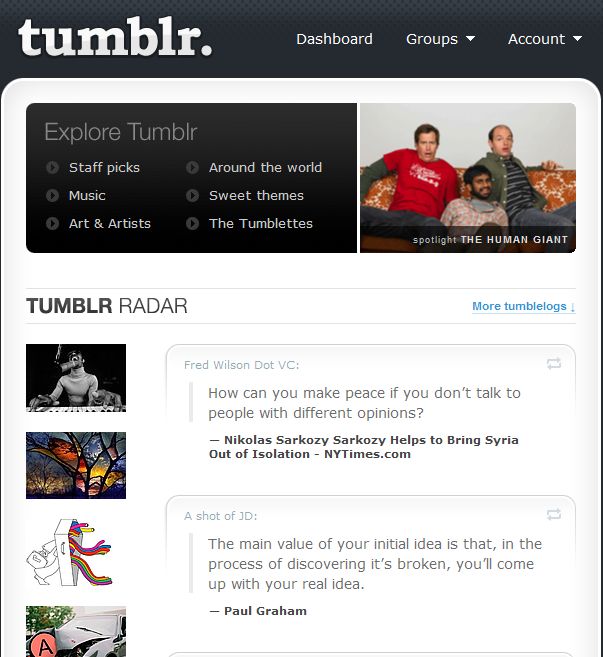
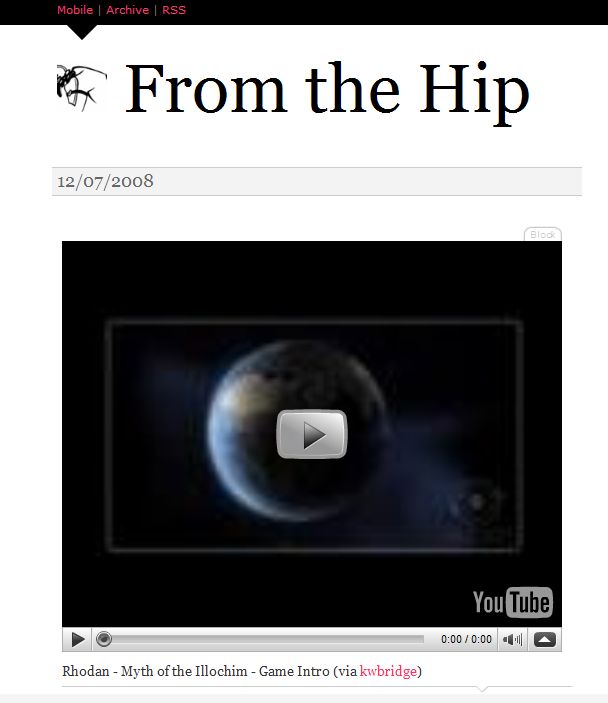
Tumblr can be used to lifestream by adding up to 5 feeds, such as flickr, del.icio.us, shared items in Google Reader and specific RSS feeds. When used in this manner, the feeds can be set up and then you don’t really need to think about it again. I prefer to use tumblr with posts, images and videos related to a specific theme. For example, I have one called From the Hip, which is about upcoming video games and includes screenshots and gameplay videos from games that I am currently playing.
My friend, ronobvious, has a tumblr centered around politics and humor. When reading ronobvious’ tumblr, I often want to comment on something that he posted and have to email or IM him about it. I felt the only feature that tumblr was lacking was integrated comments.
By doing a quick google search I discovered the comments can be integrated into tumblr with Disqus. Disqus is an online service for managing comments. It is most commonly used with blogs but can also easily be added to tumblr. It is frequently used on blogs to enhance the community with threaded conversations and increased interaction and assists the site owner with comment management. Disqus is not currently used on this site as I do not currently have the traffic or number of comments to make management an issue.
Adding Disqus comments to tumblr
- Sign up for a Disqus account
- Add your blog or tumblr by adding your blog url, your blog name, and the subdomain you would like to use on disqus. For example, mine was fromtthehip.tumblr.com. From the Hip, and fromthehip
- On the next page, Integrate comment system with blog, you will select your blog platform. In this instance, I will select tumblr.
- The next page on Disqus provides perfect, easy to follow instructions.
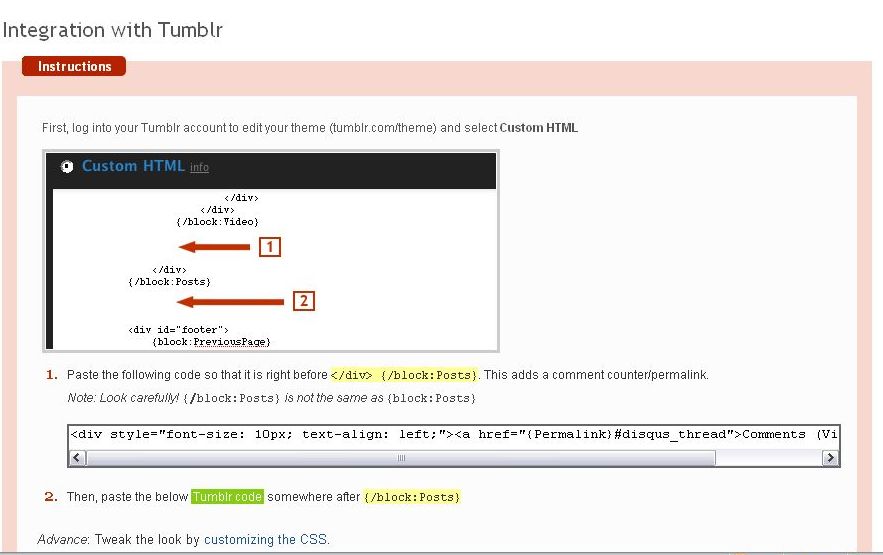
- Within tumblr edit your theme and select custom html. You will want to select custom even if you use any the themes provided by tumblr.
- You will have two sets of code that need to be added to the tumblr html. This is as easy as locating the correct spot in the custom html and the copying and pasting the code provided by Disqus. If you follow the instructions exactly, comments will then be integrated on your tumblr.
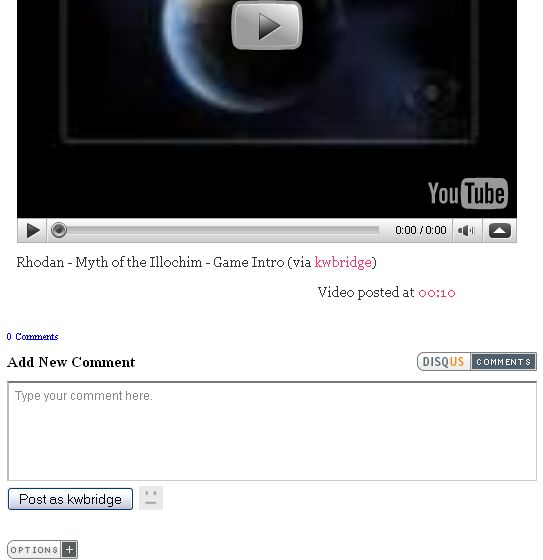
- Return to your tumblr, refresh the page, and add a comment to test.
- Keep in mind that if you change your theme, you will lose the disqus code and will need to add it to your new theme.
Note: A special thanks to andymurd for assuring me that it was easy to add comments to tumblr.

Thanks so much, Kim.
The instructions were really easy and it worked perfectly.
You’re the best.
Glad you found it easy, Kim.
andymurds last blog post – Plot Your Twitter Followers On A Map
Thanks for the toot, Kim. This was really helpful!
AJ in Nashville´s last blog post – November Remembers
Hi AJ – Thanks for visiting and for commenting. I’m really glad the article was helpful!
Thanks for the simple guide, very easy instructions. :]
Andy´s last blog post – I need to get my life back together,
one step at a time.
-Step one concentrate on school
-Step two…
@Andy – Thank you for visiting and commenting. I’m glad the instructions worked for you.
Thanks for the suggestion, I’ve had real difficulty signing up for discus, the website is unresponsive but I will keep trying.
@carlplant – Thank you for visiting and commenting.
Maybe Disqus is having problems right now – I would just keep trying.
Thanks a lot for this nice and easy tutorial
Don’t know anything about html and it seemed easy to me
Thanks
@dominiqueleca´s last blog post – Earth Secrets has been released on April the first and is…
However (sorry for the double comment), the comments don’t seem to be displayed on the blog. I hav to click the link.
Is there a problem ? Is there a way to display comments on the blog ?
Thanks
@dominiqueleca´s last blog post – Earth Secrets has been released on April the first and is…
Hi – I don’t know. I’ve never seen them directly displayed on the front page without having to click on the comments link. That’s basically how a blog works too. You see the article or an excerpt from it on the front page but you don’t see the list of comments until you click through to the full article.
I’m glad you were able to get them installed.
Thank you so much! :)
Also, do you recommend me changing to a WordPress blog as my blogging platform? I use Tumblr because it is easy to add in my pictures made in photoshop and show people my graphic design stuff :)
Also, it’s pretty quick to learn.
But would there be advantages to be on WordPress/Blogger/Ect?
Please help :)
-Elliot
.-= Elliot´s last blog ..I am terribly hungry, and this doesn’t help my hungry-ness… =-.
Hi Elliot – It sounds like tumblr is working well for you. If you use the self hosted WordPress you need to have a domain name, and a webhost. You could use the free version at WordPress.com, which would be a bit like tumblr but since it has more features it wouldn’t be as easy to use.
I think using WordPress would also help people find your pictures when doing searches more than by using tumblr. But if you are just sharing picures, tumblr is fine.
I use tumblr for videogames – screenshots and gameplay videos – things that don’t really fit on this site.
I guess it really comes down to your site needs.
thanx abunch for the info :)
im sharing your post tho on my tumblr
Hi Nafariza – Thanks! I’m glad it helped :-)
Thank you very much for the tutorial!
The only problem I have is that the comment count is correct for the first post I made, but doesn’t seem to correctly count them on the second (test) one I made – and instead displays 0 comments there…
Thanks for the detailed instructions Kim. For those who are newbie tumblrs like me, the diagram was utterly helpful!